



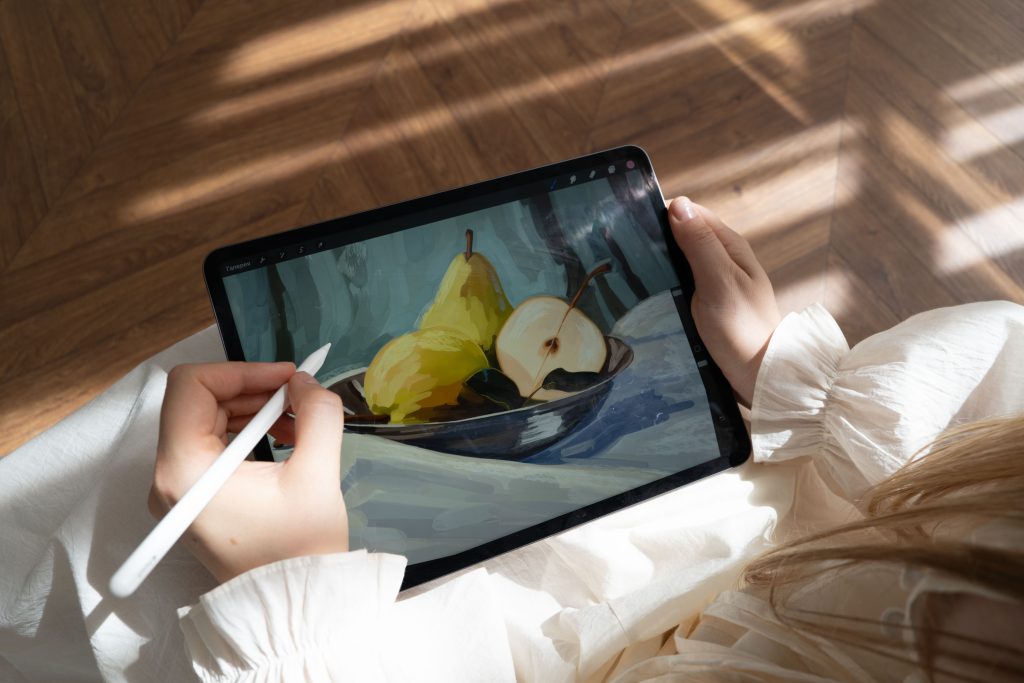
If you’re looking to dive into the world of digital illustration, a graphic tablet can be an essential tool to kickstart your creativity. But with so many options out there, how do you choose the best one for your needs? We’ve crafted a list of the 8 best graphic tablets perfect for beginners, highlighting what makes each one an excellent choice for budding artists.
Whether you’re sketching, painting, or designing, these tablets provide the features you need without overwhelming you with complexity. Let’s explore the ideal gadgets that will get you started on your digital art journey!
1. Wacom Intuos Pro – Best For Pressure Sensitivity
The Wacom Intuos Pro is a favorite among both beginners and experienced artists. It features high sensitivity and an extensive drawing area, making it easy to create detailed pieces. Plus, it’s incredibly user-friendly!
Key Features:
- 8192 levels of pressure sensitivity
- Customizable express keys
- Multi-touch gestures support
Pros:
- Exceptional build quality
- Great compatibility with software
- Responsive and accurate performance
Cons:
- Higher price point
- Setup can be a bit complex for some
2. Huion H610 Pro – Best For Value
This affordable tablet offers a fantastic balance of features and price, making it an excellent choice for beginners. The ample drawing area and responsive stylus help bring your artistic visions to life.
Key Features:
- 2048 levels of pressure sensitivity
- Large active drawing area
- Customizable buttons
Pros:
- Budget-friendly
- Compatible with multiple operating systems
- Lightweight and portable design
Cons:
- Build quality could be improved
- Driver installation may be tricky
3. XP-Pen Deco 01 V2 – Best For Beginners
The XP-Pen Deco 01 V2 is an excellent tablet for those just getting started. It features a large drawing surface and a sleek design that fits seamlessly into any workspace.
Key Features:
- 8192 levels of pressure sensitivity
- Supports both left and right-handed users
- USB-C connection for easy use
Pros:
- Affordable without compromising quality
- Easy to set up and use
- Stylish and compact design
Cons:
- Limited software bundle
- Some users report a learning curve with the stylus
4. Gaomon PD1560 – Best For An Integrated Screen
The Gaomon PD1560 features a handy built-in screen that allows you to see your artwork as you create. This model is fantastic for those who prefer to draw directly on the display.
Key Features:
- 15.6-inch display with 1920×1080 resolution
- 8192 pressure sensitivity
- Adjustable stand included
Pros:
- Great visual quality
- Intuitive drawing experience
- Multi-angle adjustable
Cons:
- Heavier due to the built-in screen
- Higher price range
5. Apple iPad with Apple Pencil – Best For Portability
The iPad paired with the Apple Pencil is an excellent choice for those looking to create art on the go. The seamless integration with various art applications makes it a favorite among digital illustrators.
Key Features:
- Slim and lightweight design
- Retina display for vivid colors
- Wide App Store with art applications
Pros:
- Versatile for other tasks beyond illustration
- High-quality build
- Responsive and natural drawing experience
Cons:
- Expensive when bundled with the Apple Pencil
- Needs regular charging
6. Microsoft Surface Pro 7 – Best For Versatility
The Microsoft Surface Pro 7 is a full-fledged computer that doubles as a powerful drawing tablet. It’s perfect for those who want an all-in-one solution for art and productivity.
Key Features:
- Windows operating system
- High-resolution display
- Versatile kickstand and detachable keyboard
Pros:
- Full computer functionality
- Great performance with art software
- Stylus is responsive and intuitive
Cons:
- Higher cost
- Heavier than traditional graphic tablets
7. XP-Pen Artist 12 – Best For Beginners on a Budget
The XP-Pen Artist 12 is a compact drawing tablet with a built-in screen, making it perfect for beginners who want a less bulky option. Its cost-effectiveness paired with decent features makes it a great entry point.
Key Features:
- 11.6-inch screen
- 8192 levels of pressure sensitivity
- USB-C connection
Pros:
- Affordable for a screen tablet
- Good color accuracy
- Compact and portable
Cons:
- Smaller drawing area
- Limited brightness settings
8. Veikk A30 – Best For Lightweight Design
The Veikk A30 is a compact and lightweight drawing tablet that’s easy to set up and use. It’s perfect for artists who want to try digital art without breaking the bank.
Key Features:
- 10 x 6 inches active drawing area
- 8192 pressure sensitivity
- Customizable shortcut keys
Pros:
- Affordable price point
- Lightweight and portable
- Easy to set up for first-time users
Cons:
- No built-in screen
- Limited advanced features
How to Choose the Right Graphic Tablet for You
Choosing a graphic tablet depends on your personal needs and preferences. Consider factors like the tablet’s pressure sensitivity, compatibility with your art software, size, and whether you prefer a screen or non-screen model. Ultimately, look for a tablet that feels comfortable and aligns with your artistic style.
#GraphicTablets #DigitalIllustration #ArtTools #BeginnerArtists #CreativeHobbies #DigitalArt #IllustrationTools #ArtEducation