



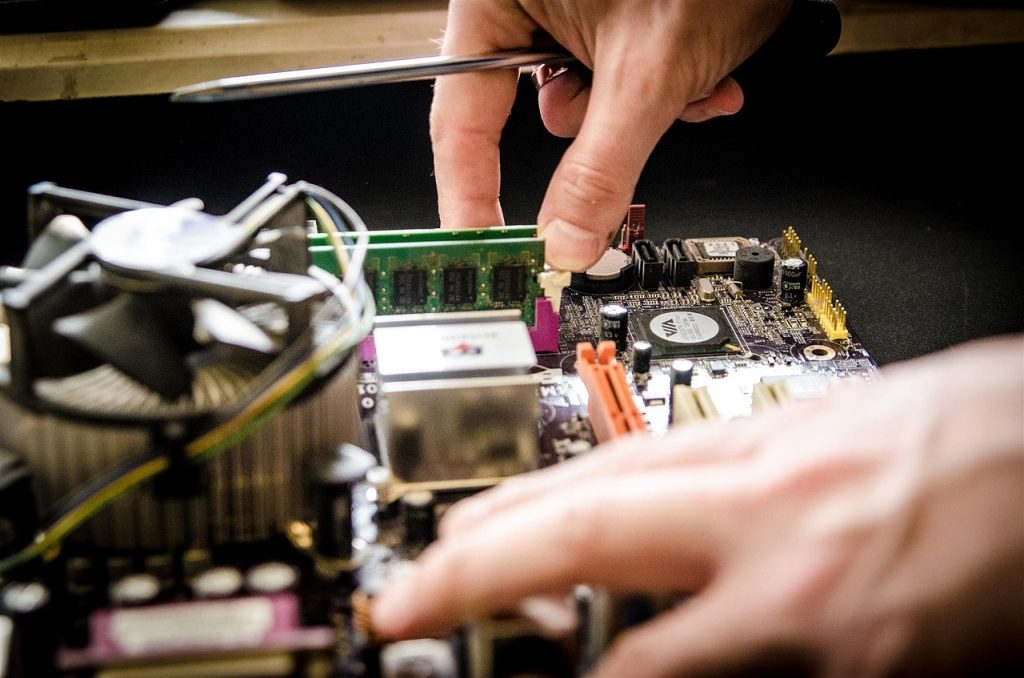
If your PC feels sluggish and struggles with tasks that should be a breeze, it might be time for some hardware upgrades. Identifying performance bottlenecks is crucial for enhancing your computer’s efficiency, whether for gaming, graphic design, or daily productivity.
This article lists the top 10 hardware upgrades that can breathe new life into your PC, eliminate those pesky bottlenecks, and optimize your overall experience. Let’s dive in!
1. SSD Upgrade – Best for Lightning-Fast Boot and Load Times
Upgrading from a traditional hard drive to a Solid State Drive (SSD) drastically decreases loading times for programs, games, and the operating system itself. This essential upgrade enhances overall system responsiveness.
Key Features:
- Much faster read/write speeds compared to HDDs
- Less heat generation and noise
- Improved reliability and longevity
Pros:
- Quicker boot-up times
- Enhanced application loading speed
- Reduced power consumption
Cons:
- Higher costs per GB compared to HDDs
- Limited write cycles (though most users won’t hit these limits)
2. RAM Upgrade – Best for Multitasking and Performance Boost
Upgrading your RAM can significantly improve multitasking capabilities and overall system performance. More memory means fewer slowdowns when running multiple applications simultaneously.
Key Features:
- Increased capacity for multitasking
- Improves memory-intensive applications (like gaming and design software)
- Various speeds and types for optimal performance
Pros:
- Improved performance in memory-intensive tasks
- Future-proofing your PC for upcoming applications
- Easier multitasking without lag
Cons:
- Compatibility issues with existing RAM
- Not all applications benefit significantly from more RAM
3. Graphics Card Upgrade – Best for High-Quality Gaming and Graphics
If gaming or graphic design is your focus, a graphics card upgrade can provide the necessary horsepower for better visuals and smoother gameplay. It’s one of the most impactful upgrades for gaming enthusiasts.
Key Features:
- Enhanced rendering capabilities for high-quality graphics
- Support for VR and high-resolution displays
- Improved performance for gaming and professional graphics work
Pros:
- Significant visual improvements in games
- Future-proofing for upcoming titles
- Can enhance productivity in graphic design applications
Cons:
- Can be expensive
- May require additional power supply capacity
4. CPU Upgrade – Best for Overall Processing Power
Upgrading your CPU can lead to substantial improvements in computing tasks that rely on processing power. This upgrade is crucial for anyone working with heavy applications like video editing or 3D rendering.
Key Features:
- Improved clock speeds and core counts
- Better efficiency and thermal management
- Supports newer technologies
Pros:
- Enhanced performance in demanding applications
- Long lifespan with improved tech
- Can drastically improve gaming performance
Cons:
- May require a motherboard upgrade
- Potentially complicated installation process
5. Motherboard Upgrade – Best for Compatibility and Future Expansion
If you’re planning multiple upgrades, consider a motherboard upgrade that supports current and future components. A modern motherboard will ensure you can integrate the latest technology seamlessly.
Key Features:
- Support for advanced CPU and RAM options
- More connectivity and expansion slots
- Enhanced power delivery systems
Pros:
- Better compatibility with current tech
- Potential for overclocking capabilities
- Future-proofing for upgrades
Cons:
- Can be costly
- Installation complexity
6. Power Supply Upgrade – Best for Stability and Reliability
A reliable power supply is critical for stable performance, especially if you’re adding high-demand components. Upgrading to a higher wattage power supply ensures your system runs efficiently.
Key Features:
- Higher wattage for performance-hungry components
- Less noise and better cooling systems
- Modular options for cable management
Pros:
- Improved system stability
- Long-term reliability
- Better protection for components
Cons:
- Initial cost can be high
- Potential installation challenges
7. Cooling System Upgrade – Best for Performance Monitoring and Longevity
Upgrading your cooling system can prevent thermal throttling and extend the lifespan of your components. Better cooling solutions keep your PC running at optimal temperatures during heavy use.
Key Features:
- Improved heat dissipation
- Quieter fans and systems
- Variety of options (air, liquid, etc.)
Pros:
- Enhanced performance during intense tasks
- Extended hardware lifespan
- Lower system noise
Cons:
- Higher cost for advanced cooling solutions
- Complex installation for liquid systems
8. Network Card Upgrade – Best for Faster Internet Connectivity
If you’re experiencing slow internet speeds, a new network card can significantly improve your online experience. This upgrade is vital for those who rely heavily on online gaming or streaming.
Key Features:
- Support for the latest Wi-Fi standards
- Wired and wireless options available
- Enhanced signal strength
Pros:
- Faster internet speeds
- Better connectivity and reduced lag
- Improved online gaming experience
Cons:
- Compatibility issues with older systems
- User needs to manage network settings
9. Hard Drive Upgrade – Best for Additional Storage Needs
For those running out of space, upgrading your hard drive can help store more files, software, and games without detrimental performance effects. This is essential for media-heavy users.
Key Features:
- Increased storage capacity
- Available in both SSD and HDD formats
- Options for RAID configurations for added redundancy
Pros:
- More space for applications and media
- Ability to organize files more efficiently
- Cost-effective for storage expansion
Cons:
- HDDs are slower than SSDs
- May need data migration for existing files
10. Case Upgrade – Best for Improved Airflow and Aesthetics
A new PC case can enhance airflow, making cooling more effective and giving you room for future upgrades. Additionally, an aesthetically pleasing case can enhance your overall setup.
Key Features:
- Better airflow design
- Room for additional components
- Enhanced cable management options
Pros:
- Improved cooling efficiency
- Customizable look for your setup
- Potential for quieter operation
Cons:
- May require re-assembly of components
- Cost for high-quality materials
How to Choose the Right Upgrade
When selecting upgrades, consider your current hardware specifications, compatibility, and budget. Focus on the areas that most affect your daily use. Whether you need faster load times or better graphics, these upgrades can help create a balanced and powerful machine tailored to your needs.
#PCUpgrades #PerformanceBoost #TechSavvy #GamingPC #HardwareUpgrade #ComputerHardware #TechTips #PCBuilding