


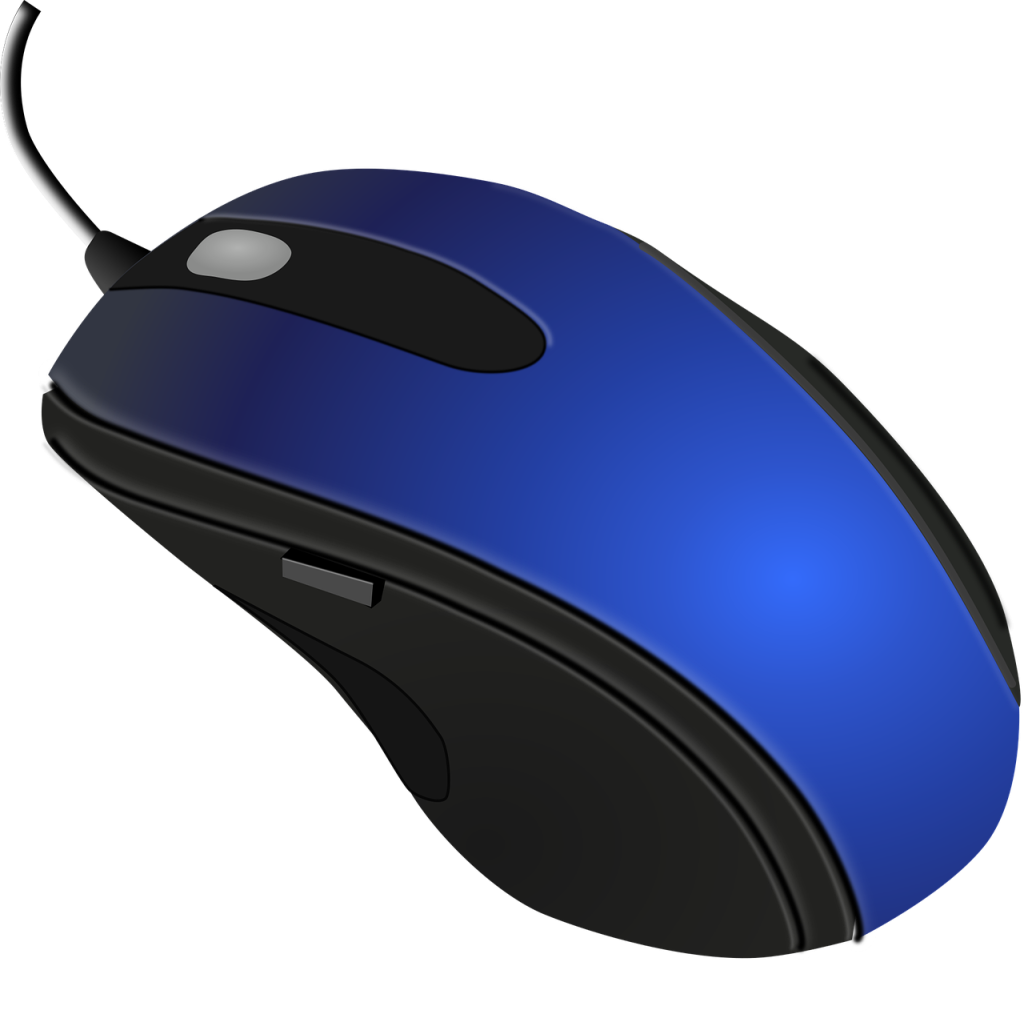
Are you struggling with wrist pain from long hours spent on your computer? An ergonomic vertical mouse could be the solution you’ve been searching for! These innovative devices not only promote a natural hand position but also help alleviate discomfort associated with traditional mice.
In this article, we’ll explore the top 10 vertical mice designed specifically to provide comfort and support, allowing you to work longer and more efficiently without pain. Let’s dive into the best ergonomic options available today!
1. Logitech MX Vertical – Best Overall Comfort
The Logitech MX Vertical is a standout choice for those prioritizing comfort. Its unique shape is designed to reduce muscle strain while improving posture—a must-have for anyone enduring wrist discomfort.
Key Features:
- Advanced optical tracking for precision control.
- Ergonomic design with a 57-degree angle.
- Customizable buttons for personalized convenience.
Pros:
- Excellent battery life with fast charging.
- Compatible with multiple devices.
- Highly rated for comfort and ease of use.
Cons:
- Higher price point than competitors.
- May take time to adjust for some users.
2. Anker Ergonomic Vertical Mouse – Best Budget Option
If you’re looking for an affordable yet effective solution, the Anker Ergonomic Vertical Mouse might be the perfect fit. It offers great value without skimping on comfort.
Key Features:
- Vertical design reduces wrist strain.
- 800/1200/1600 DPI settings for better control.
- Built-in DPI switch for easy adjustments.
Pros:
- Offers excellent value for money.
- Compact design makes it easy to transport.
- Simple plug-and-play setup.
Cons:
- Limited customization options.
- May not suit larger hands comfortably.
3. DELUX Ergonomic Vertical Mouse – Best for Large Hands
The DELUX Ergonomic Vertical Mouse is designed with larger hands in mind, providing a comfortable grip that supports extended usage without pain.
Key Features:
- Adjustable DPI settings for precision.
- Anti-slip design for added grip.
- Rechargeable battery for convenience.
Pros:
- Great support for larger hands.
- Affordable with quality performance.
- Comfortable for long usage periods.
Cons:
- Heavier than some alternatives.
- May require frequent charging.
4. J-Tech Digital Wireless Vertical Mouse – Best for Long Hours
This mouse is specifically designed for long-term use, combining comfort and functionality to help you get through your workday without discomfort.
Key Features:
- Wrist support for added comfort.
- Adjustable DPI settings from 600-1600.
- Wireless connectivity for a clutter-free desk.
Pros:
- Great for users who spend all day on the computer.
- Wrist support reduces tension.
- Well-rated for ergonomic design.
Cons:
- Bulky for smaller hands.
- Connection issues reported by some users.
5. Razer Basilisk X Hyperspeed – Best for Gamers
Gamers need performance and comfort, and the Razer Basilisk X delivers both. This vertical mouse is excellent for long gaming sessions while reducing wrist strain.
Key Features:
- Dual connectivity via Bluetooth and Razer Hyperspeed.
- Ergonomic design tailored for comfort.
- Long battery life up to 450 hours.
Pros:
- Responsive and precise for gaming.
- Lightweight design perfect for extended use.
- Customizable RGB lighting.
Cons:
- Not as ergonomic as pure vertical designs.
- Pricey compared to standard mice.
6. ZLOT Z-7000 Vertical Mouse – Best for Office Use
The ZLOT Z-7000 offers a simple yet effective solution for office workers seeking relief from wrist pain with its user-friendly design.
Key Features:
- Simple plug-and-play capability.
- Vertical angle promotes wrist neutrality.
- Durable construction for longevity.
Pros:
- Affordable price for quality ergonomics.
- Great for typical office environments.
- Backed by positive user reviews.
Cons:
- No advanced features.
- Design may feel basic to some users.
7. E-Element Vertical Gaming Mouse – Best for Multi-Device Use
This mouse is perfect for those who frequently switch between devices. Its versatility makes it a great ergonomic choice.
Key Features:
- Multi-device connectivity options.
- Customizable buttons for gaming and productivity.
- Adjustable DPI up to 4000 for advanced usage.
Pros:
- Excellent for multitaskers.
- Responsive and user-friendly.
- Comfortable grip for prolonged use.
Cons:
- May require software installation.
- Not ideal for users with larger hands.
8. Evoluent Vertical Mouse 4 – Best for Precise Control
The Evoluent Vertical Mouse 4 is specifically designed to offer maximum precision while reducing wrist pain, perfect for those needing fine control.
Key Features:
- Advanced optical sensor for high accuracy.
- Cueing buttons for customizable settings.
- Multiple sizes for the perfect fit.
Pros:
- Highly ergonomic design.
- Customizable button functions.
- Excellent customer service and support.
Cons:
- Pricey compared to standard mice.
- Size variations may not fit every user.
9. Microsoft Sculpt Ergonomic Mouse – Best for Office and Home Use
Designed for both office and home environments, the Microsoft Sculpt Ergonomic Mouse offers a unique shape and functionality for maximum comfort.
Key Features:
- Distinctive thumb scoop for natural hand placement.
- Compatible with Windows and Mac.
- Bluetooth connectivity for a wireless option.
Pros:
- Supports natural wrist positioning.
- Good for both work and play.
- Well-designed with responsive buttons.
Cons:
- Can take time to get accustomed to.
- Not ideal for small hands.
10. Razer Naga Left-Handed Edition – Best for Left-Handed Users
Finally, a mouse designed with left-handed users in mind! The Razer Naga Left-Handed Edition combines comfort with professional gaming features.
Key Features:
- Specialized for left-handed ergonomics.
- Multiple programmable buttons for gaming or customization.
- High-precision Razer optical sensor.
Pros:
- Designed specifically for left-handed users.
- Highly customizable settings.
- Good for both gaming and productivity.
Cons:
- Limited availability compared to right-handed counterparts.
- Can be pricier than standard models.
How to Choose the Right Ergonomic Vertical Mouse
When selecting a vertical mouse, consider the following factors:
- Your hand size: Ensure the mouse fits comfortably in your hand.
- Grip style: Determine whether you prefer a palm grip or a claw grip.
- Functionality: Look for customizable buttons if needed.
- Price: Set a budget to find a mouse that meets your needs without overspending.
#ErgonomicMouse #WristPainRelief #OfficeComfort #VerticalMouse #TechGadgets #ProductivityTools #GamingMouse #HealthyWorkstation