

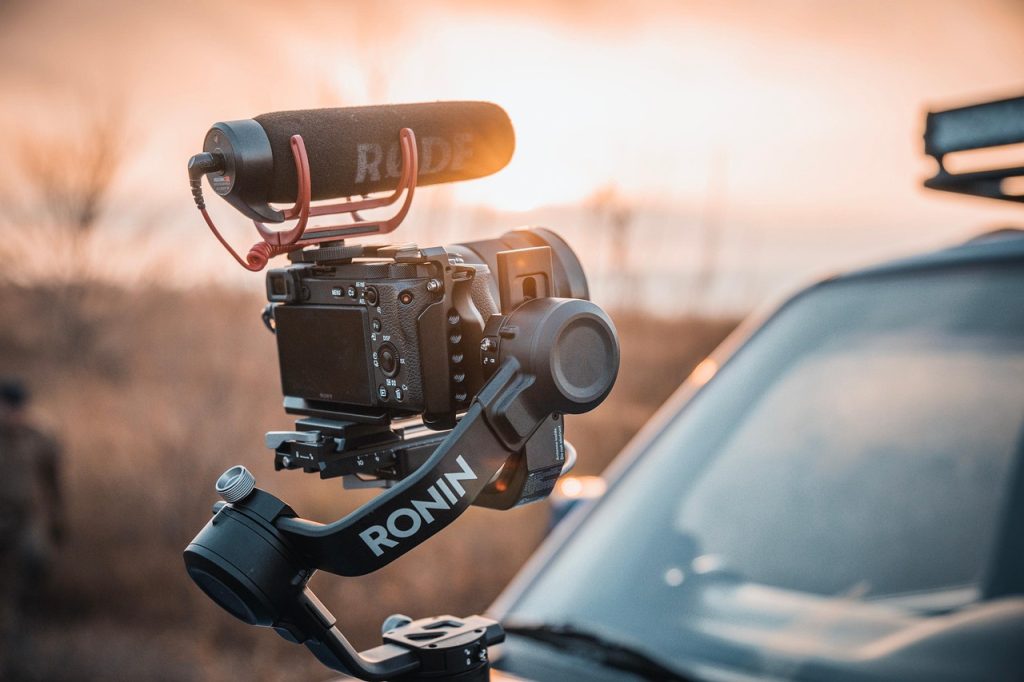
Are you ready to take your smartphone videography to the next level? With the right gimbal stabilizer tips, you can create stunning, smooth cinematic footage that will impress your audience. Forget shaky shots and amateur looks; learn how to utilize your gimbal to its fullest potential!
In this article, we’ll share seven essential tips to help you master the art of smartphone gimbal stabilization. Whether you are a novice or a seasoned videographer, these tricks will elevate your filming game!
1. Calibrate Your Gimbal – Best for Balanced Footage
Before you start shooting, always calibrate your gimbal. This ensures that it balances perfectly with your smartphone, preventing any unwanted tilting while filming.
Key Features:
- Ensures stable shots without drift
- Prevents strain on the motors
- Improves tracking accuracy
Pros:
- Quick setup process
- Enhanced footage quality
- Less wear on your gimbal
Cons:
- Requires practice
- Can be time-consuming
2. Use Different Shooting Modes – Best for Creative Angles
Most gimbals come with various shooting modes such as pan-follow, lock mode, and more. Utilizing these modes creatively can help you capture stunning shots.
Key Features:
- Versatile capturing options
- Customizable settings for unique shots
- Effortless transitioning between modes
Pros:
- Increases shot variety
- Encourages creative exploration
- Simplifies complex movements
Cons:
- Learning curve for new users
- Settings may require adjustment
3. Practice Your Movements – Best for Smooth Transitions
Filming with a gimbal requires smooth movements. Take time to practice walking, panning, and tilting to achieve those cinematic transitions.
Key Features:
- Develops muscle memory
- Improves fluidity in shots
- Enhances narrative storytelling
Pros:
- Minimal shaky footage
- More professional-looking results
- Boosts confidence in shooting
Cons:
- Can be tiring during extended shoots
- Not all movements are easy to practice
4. Maintain Proper Grip – Best for Control
How you hold your gimbal matters significantly. A proper grip not only provides better control but also reduces fatigue during longer shoots.
Key Features:
- Enhances stabilization
- Provides comfort during long sessions
- Prevents accidental drops
Pros:
- Increases overall control
- Improves shooting experience
- Reduces the chance of error
Cons:
- May require practice to master
- Potential stress on hands
5. Keep the Gimbal Level – Best for Horizontally Aligned Shots
Ensuring your gimbal is level will give you professional-looking footage. This is crucial when panning or creating vertical shots, preventing a tilted horizon.
Key Features:
- Keeps the horizon straight
- Improves composition
- Enhances viewer experience
Pros:
- Less editing required
- More cinematic feel
- Boosts overall professionalism
Cons:
- Need to continually check alignment
- Can distract during shooting
6. Use a Lighter Smartphone – Best for Longer Shoots
The weight of your smartphone can affect your gimbal’s performance. Opting for a lighter device can significantly improve stabilization and reduce fatigue.
Key Features:
- Enhanced battery life of the gimbal
- Easier to maneuver
- Less strain during long shoots
Pros:
- Improves mobility
- Allows for longer filming sessions
- Reduces risk of gimbal damage
Cons:
- May limit device options
- Features may vary with lighter models
7. Edit Footage for Final Touches – Best for Professional Output
Post-processing is just as vital as shooting. Utilize editing software to enhance colors, stabilizing effects, and add soundtracks, which will ultimately elevate your cinematic footage.
Key Features:
- Polishes raw footage
- Adds visual effects and transitions
- Enhances storytelling
Pros:
- Increases visual appeal
- Completes the filmmaking process
- Encourages creativity in post-production
Cons:
- Time-consuming process
- Requires software knowledge
How to Choose the Best Gimbal Stabilizer for You
When selecting a gimbal stabilizer, consider your budget, the weight of your smartphone, and the type of footage you aim to capture. A great gimbal will have adjustable modes, be compatible with your device, and align with your specific shooting style. Don’t rush your decision—research and read reviews to find a gimbal that best suits your needs!
#SmartphoneStabilizer #CinematicFootage #VideographyTips #GimbalTips #Filmmaking #FilmMakingTips #ContentCreation #SmartphoneFilmmaking