



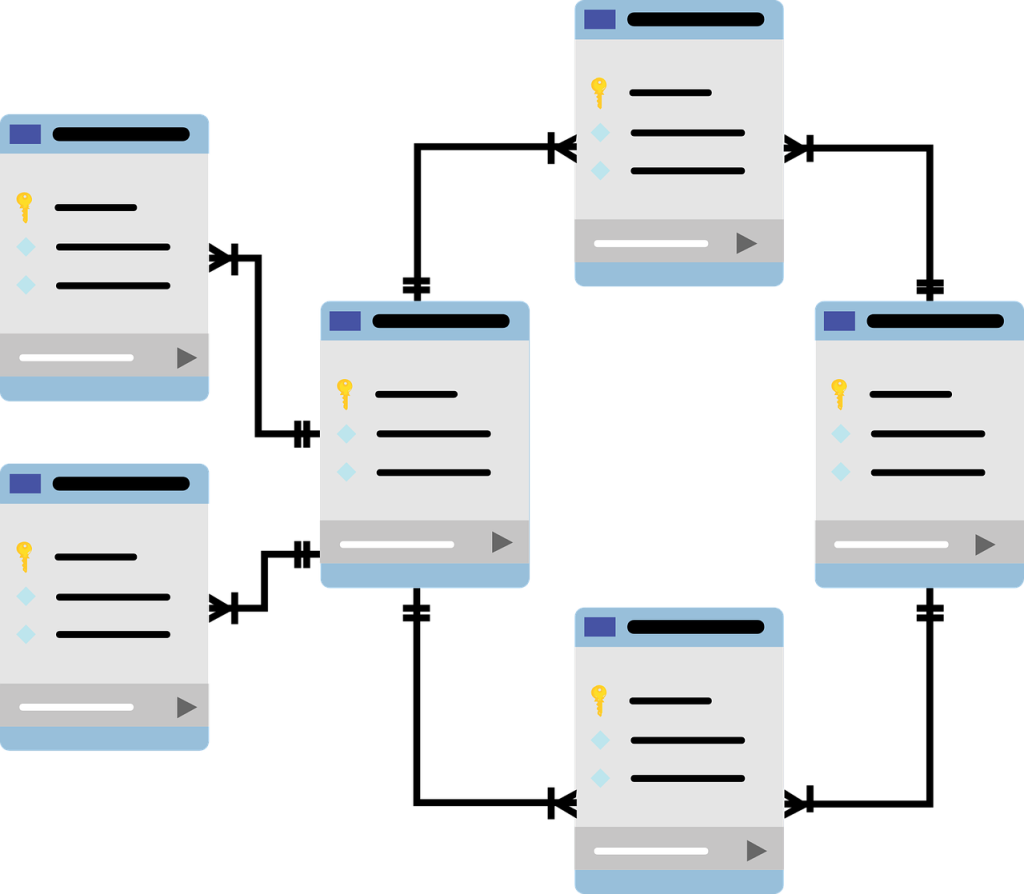
Managing remote SQL servers can be a daunting task, especially when it comes to database administration and performance monitoring. Fortunately, several graphical user interfaces (GUIs) can simplify the process, allowing both novice and experienced users to handle their databases with ease. In this article, we explore the top six database management GUIs that will help you efficiently manage your remote SQL servers.
Whether you’re looking for powerful features, ease of use, or affordability, there’s a perfect option for everyone. Let’s dive into the top picks that can enhance your database management experience!
1. phpMyAdmin – Best for Web-Based Access
phpMyAdmin is a popular web-based interface that allows users to manage MySQL databases easily. Its user-friendly design and comprehensive features make it ideal for both beginners and experts alike. With support for multiple languages and an active community, phpMyAdmin remains a go-to option for web database management.
Key Features:
- Comprehensive database management tools
- Supports multiple database servers
- Easy installation on various web servers
Pros:
- Open-source and free to use
- Intuitive interface
- Active community support
Cons:
- Requires a web server to run
- Not ideal for very large databases
- Security vulnerabilities if not configured properly
2. DBeaver – Best for Multi-Database Support
DBeaver is an open-source database management tool that supports various database types, including SQL, NoSQL, and cloud databases. Its versatile interface enables users to run queries, edit, and manage data seamlessly, making it suitable for managing remote SQL servers.
Key Features:
- Supports numerous database types
- Cross-platform compatibility
- Data and metadata editing capabilities
Pros:
- User-friendly design
- Rich set of features
- Frequent updates and improvements
Cons:
- Can be resource-intensive
- Some features may be overwhelming for beginners
- Limited built-in support for SQL Server Management Studio
3. SQL Workbench/J – Best for Scalability
SQL Workbench/J is a DBMS-independent SQL query tool that offers a simple way to manage and manipulate SQL databases. Designed to handle multiple database engines, this tool is especially beneficial for users who need scalability and support for large database systems.
Key Features:
- Lightweight and portable application
- Supports multi-threaded queries
- Customizable user interface
Pros:
- Highly scalable for large projects
- No installation required
- Support for multiple connection types
Cons:
- May lack some advanced features
- User interface could be improved
- Steeper learning curve for new users
4. Navicat – Best for Comprehensive Management
Navicat is a premium database management tool known for its comprehensive features and user-friendly interface. It supports a variety of databases, including MySQL, PostgreSQL, and SQL Server, making it an excellent choice for professionals managing remote SQL servers.
Key Features:
- User-friendly drag-and-drop interface
- Data synchronization and backup features
- Powerful reporting tools
Pros:
- Intuitive and visually appealing interface
- Strong customer support
- Regular software updates
Cons:
- Subscription-based pricing
- Some advanced features may require extensive setup
- May be pricier than alternatives
5. HeidiSQL – Best for Windows Users
HeidiSQL is an open-source tool specifically tailored for Windows users, making remote database administration straightforward. Its lightweight design and functionality make it a great choice for those looking to manage MySQL, SQL Server, and PostgreSQL databases.
Key Features:
- Support for various database types
- Batch insert and data export features
- Easily manage multiple connections
Pros:
- Free and open-source
- Fast performance
- User-focused design with useful features
Cons:
- Windows-only availability
- Limited support for complex SQL queries
- Occasional stability issues reported
6. TablePlus – Best for Modern User Interfaces
TablePlus is a modern, native client for relational databases that offers a sleek interface and an array of powerful features. It allows users to connect, manage, and view multiple databases effortlessly, making it perfect for remote SQL server management.
Key Features:
- Sleek and minimalistic user interface
- Customizable SQL query editor
- Support for various database types
Pros:
- Fast and responsive performance
- Integrated code review features
- Regular updates and enhancements
Cons:
- Limited features in the free version
- Subscription model can be pricey
- May require adjustment for users familiar with traditional GUIs
How to Choose the Right Database Management GUI
When selecting a database management GUI, consider your specific needs such as the type of databases you work with, the level of complexity you’re comfortable handling, and your budget. Look for features that enhance productivity, such as data visualization, backup options, and ease of navigation. Finally, take advantage of free trials or open-source options to find the best fit for your workflow.
#DatabaseManagement #SQLServers #GUIs #DataAdministration #TechTools #DatabaseManagementTools #RemoteWork