


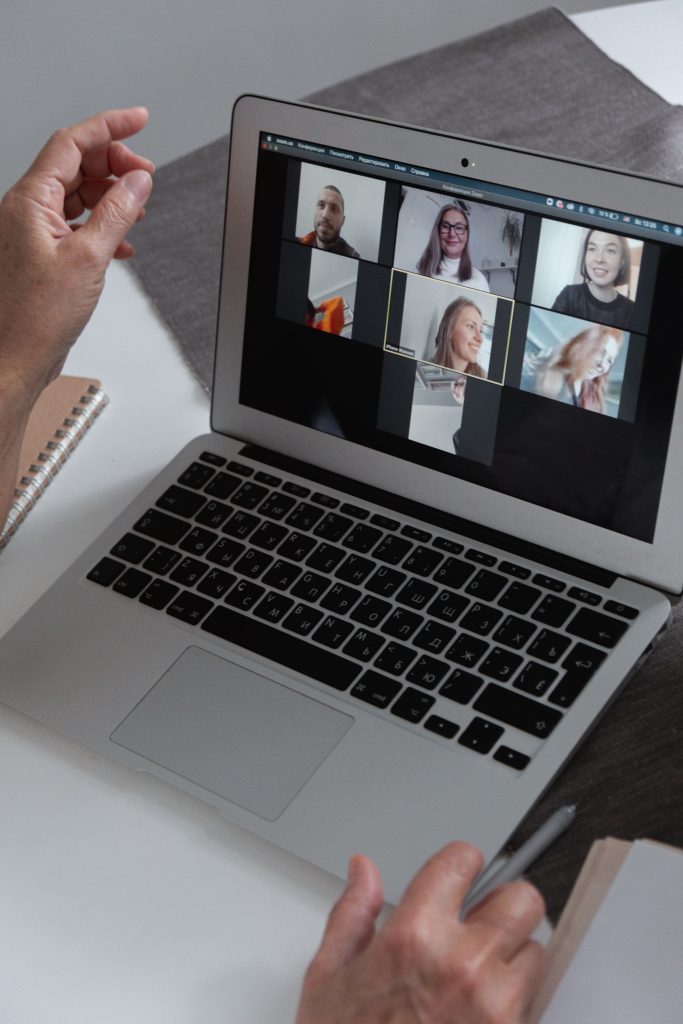
With remote work and virtual meetings becoming the norm, having a reliable webcam is crucial for clear communication. Whether you’re in a team meeting or catching up with friends, the right webcam can make all the difference in how your image comes across.
This list highlights the top webcams that deliver exceptional video quality, ensuring you’re always seen in the best light. From top-notch resolution to versatile features, these selections will enhance your video conferencing experience.
1. Logitech C920 HD Pro Webcam – Best For Overall Quality
The Logitech C920 is widely regarded as one of the best webcams available, offering sharp video quality and great sound. This webcam combines 1080p resolution with exceptional low-light performance, making it an ideal choice for various lighting conditions.
Key Features:
- Full HD 1080p video quality at 30fps
- Automatic light correction for low light situations
- Integrated dual microphones for clear audio
Pros:
- High video quality
- Easy to set up and use
- Good low-light performance
Cons:
- Requires USB 2.0 or newer
- No built-in privacy shutter
2. Razer Kiyo – Best For Streamers
Designed with gamers and streamers in mind, the Razer Kiyo comes with a built-in ring light that ensures perfect lighting, making sure you’re always looking your best on camera.
Key Features:
- 720p at 60fps or 1080p at 30fps video options
- Ring light with adjustable brightness
- Compact and portable design
Pros:
- Great for streaming in low light
- High-quality audio capture
- Customizable settings for better control
Cons:
- Limited field of view
- Software can be complex for beginners
3. Microsoft LifeCam HD-3000 – Best Budget Option
The Microsoft LifeCam HD-3000 is an excellent entry-level webcam that doesn’t compromise on video quality. With a reasonable price tag, it’s perfect for casual users and those on a budget.
Key Features:
- 720p HD video for smooth streaming
- Built-in noise-canceling microphone
- TrueColor technology for vibrant colors
Pros:
- Affordable price point
- Easy plug-and-play setup
- Decent quality for casual use
Cons:
- Lower resolution compared to higher-end models
- Not suitable for professional streaming or recording
4. Logitech StreamCam – Best For Creators
The Logitech StreamCam is designed specifically for content creators, offering excellent video quality and customizable features. Its versatility makes it a top choice for both streaming and video recording.
Key Features:
- 1080p at 60fps for smooth capture
- Smart autofocus and image stabilization
- USB-C connectivity for fast data transfer
Pros:
- High-quality video for professional use
- Versatile mounting options
- Good audio quality
Cons:
- Pricey for casual users
- Requires specific software for full features
5. AVERMEDIA Live Streamer CAM 513 – Best For 4K Video
If you’re looking for the ultimate video quality, the AVERMEDIA Live Streamer CAM 513 offers 4K Ultra HD video. This webcam is a top pick for those who want stunning clarity for professional broadcasts.
Key Features:
- 4K Ultra HD resolution
- Wide-angle lens for a broader view
- Complimentary software for stream setup
Pros:
- Exceptional video quality
- Ideal for professional livestreaming
- Highly adjustable settings
Cons:
- Expensive compared to many models
- Requires powerful computer for optimal performance
6. Logitech Brio – Best For Professionals
The Logitech Brio is a premium webcam suitable for professionals who demand the best quality. With advanced features such as HDR and 4K streaming, it’s perfect for business meetings and presentations.
Key Features:
- 4K UHD video quality with HDR
- Facial recognition for security
- Adjustable field of view
Pros:
- Outstanding video quality
- Multiple resolution options
- Good for professional environments
Cons:
- High price point
- May require additional software for customization
7. ALOGIC USB-C HD Webcam – Best For USB-C Laptops
The ALOGIC USB-C HD Webcam is perfect for those using modern laptops with USB-C ports. It provides high-definition video with straightforward compatibility.
Key Features:
- 1080p HD video quality
- USB-C connectivity for easy plugging
- NO additional drivers needed
Pros:
- Compatible with modern laptops
- Clear sound quality
- Lightweight and portable design
Cons:
- Limited features compared to premium models
- Field of view could be wider
8. Creative Live! Cam Chat HD – Best For Casual Video Calls
This compact webcam is perfect for casual video calls, providing reliable performance at an affordable price. The Creative Live! Cam Chat HD is user-friendly and effective for day-to-day use.
Key Features:
- 720p HD video quality
- Built-in noise-canceling microphone
- Easy plug-and-play installation
Pros:
- Budget-friendly
- Sufficient for calls and chats
- Compact and easily portable
Cons:
- Lower resolution than others
- Basic features without advanced settings
9. Nexigo N660P 1080P Webcam – Best For Dual Microphones
The Nexigo N660P is a versatile option featuring dual microphones for enhanced audio quality. It’s a great choice for team meetings where clear audio is essential.
Key Features:
- 1080p HD video quality at 30fps
- Auto-focus and low-light correction
- Privacy cover included
Pros:
- Clear audio with dual microphones
- Good video quality for the price
- User-friendly setup
Cons:
- Not as compact as other models
- Limited field of view
10. Ausdom AF640 Full HD Webcam – Best For Great Value
The Ausdom AF640 offers impressive features at a reasonable price point. This webcam delivers solid performance for both video quality and audio capture, making it a great option for general use.
Key Features:
- Full HD 1080p video quality
- Built-in stereo microphone
- Flexibility in mounting options
Pros:
- Excellent value for money
- Good compatibility with most software
- Sleek design
Cons:
- Basic features with minimal settings
- Video quality struggles in low light
How to Choose the Best Webcam
When selecting a webcam, consider the following factors: resolution, microphone quality, lighting capabilities, and compatibility with your devices. Higher resolution offers better clarity, while dual microphones ensure better sound. Review your specific needs and choose accordingly to find the perfect webcam for your video calls.
#Webcams #VideoCalls #RemoteWork #Streaming #TechGadgets #HomeOffice #VideoConferencing #WebcamReview