

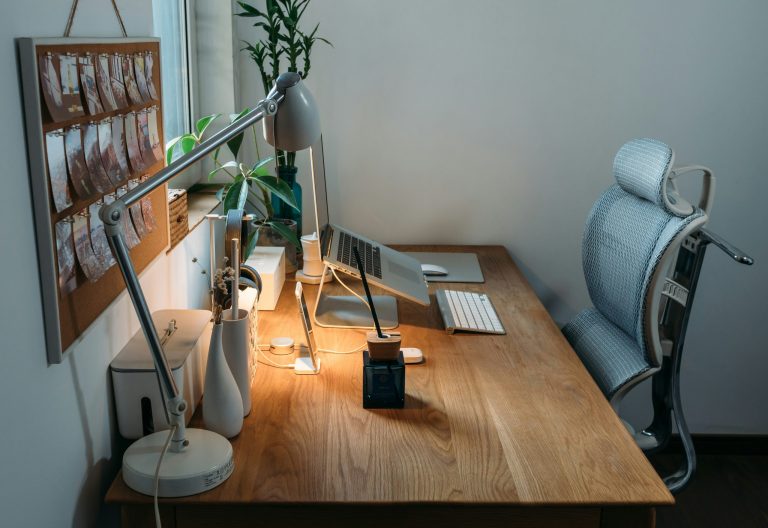
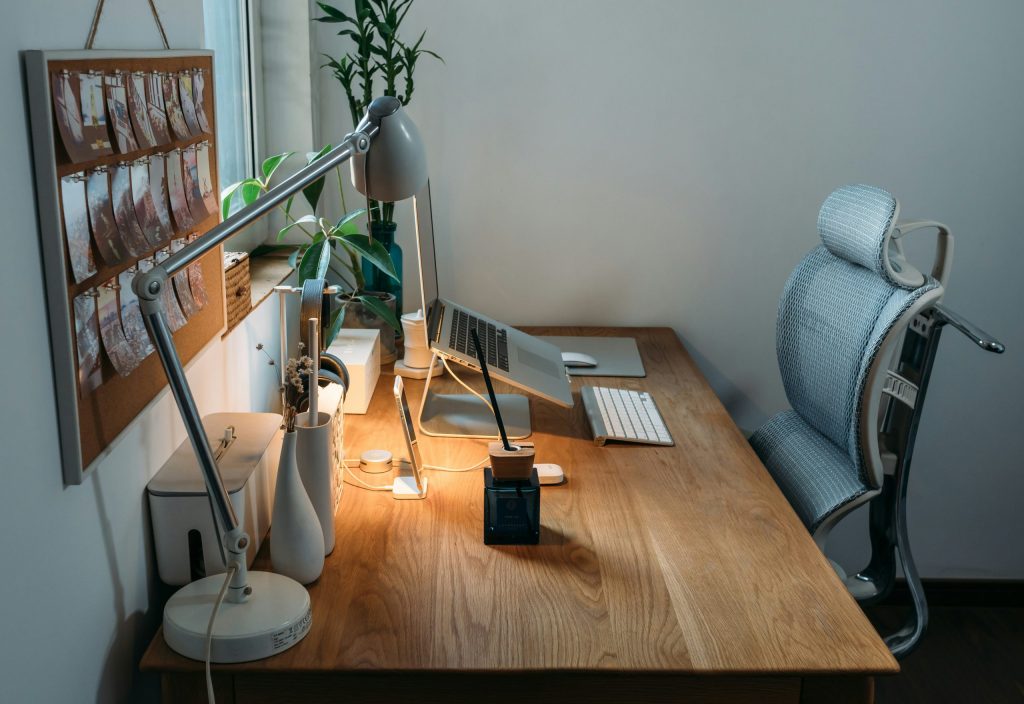
Are you struggling with productivity while working from home? An ergonomic setup could be the game changer you need! A well-designed workspace not only enhances comfort but also boosts your efficiency, reducing fatigue and the risk of injuries.
In this article, we’ll explore the top 10 ergonomic setup tips to help you create the ideal remote work environment. Say goodbye to discomfort and hello to productivity!
1. Invest in an Adjustable Desk – Best for Flexibility
An adjustable desk allows you to easily switch between sitting and standing, promoting better posture and reducing the risk of slouching.
Key Features:
- Height adjustable
- Sturdy and spacious
- Easy to operate
Pros:
- Encourages movement
- Reduces back pain
- Customizable to individual height
Cons:
- Can be expensive
- Requires space
- May need assembly
2. Choose an Ergonomic Chair – Best for Back Support
A quality ergonomic chair supports your spine’s natural curve, ensuring long hours of work are spent comfortably.
Key Features:
- Adjustable seat height
- Lumbar support
- Breathable material
Pros:
- Enhances comfort
- Promotes good posture
- Reduces risk of injury
Cons:
- Can be pricey
- Not portable
- May take time to get used to
3. Monitor Placement – Best for Eye Comfort
Position your monitor at eye level to avoid neck strain and ensure a comfortable viewing distance of about an arm’s length.
Key Features:
- Adjustable height options
- Distance from eyes
- Anti-glare screen
Pros:
- Reduces eye strain
- Improves neck alignment
- Enhances focus
Cons:
- Multiple monitors can complicate setup
- Screen reflections might occur
- Requires a stable surface
4. Use a Keyboard and Mouse Wrist Rest – Best for Comfort
A wrist rest promotes neutral wrist positioning while typing, minimizing the risk of repetitive strain injuries.
Key Features:
- Soft cushioning
- Non-slip base
- Easy to clean
Pros:
- Increases typing comfort
- Improves wrist alignment
- Reduces fatigue
Cons:
- May take time to adapt to
- Can be bulky
- Requires regular cleaning
5. Optimize Lighting – Best for Reducing Eye Strain
Good lighting is essential to prevent eye strain. Utilize natural light and complement it with adjustable desk lamps to ensure a well-lit workspace.
Key Features:
- Adjustable brightness
- Warm color temperature options
- Energy-efficient
Pros:
- Enhances productivity
- Reduces headaches
- Creates a pleasant working environment
Cons:
- Overhead lights may cause glare
- Natural light may not always be available
- Adjustable lamps can clutter workspace
6. Maintain a Clean Desk – Best for Focus
A tidy workspace minimizes distractions, allowing for better focus and improving overall productivity.
Key Features:
- Organized storage solutions
- Minimal decor
- Accessible items
Pros:
- Promotes clarity
- Enhances workflow
- Reduces stress
Cons:
- Requires regular upkeep
- May take time to implement
- Can feel sterile
7. Position Your Accessories Wisely – Best for Accessibility
Place frequently used items within arm’s reach to reduce strain while reaching and to maintain a smooth workflow.
Key Features:
- Easy access design
- Organized layout
- Functional arrangement
Pros:
- Improves efficiency
- Reduces physical strain
- Optimizes space
Cons:
- Can lead to clutter if not maintained
- Requires initial setup time
- Others may not be aware of your preferences
8. Schedule Breaks – Best for Mental Health
Regular breaks help rejuvenate your mind and body, which is essential for maintaining high productivity throughout the day.
Key Features:
- Set reminders
- Incorporate movement during breaks
- Time-management techniques
Pros:
- Reduces burnout
- Increases focus upon return
- Boosts creativity
Cons:
- May disrupt flow of work
- Can be overlooked under pressure
- Requires discipline
9. Personalize Your Space – Best for Motivation
Adding personal touches to your workspace can increase motivation and make you feel more connected to your work.
Key Features:
- Inspiring decor
- Plants for air quality
- Personalized items
Pros:
- Boosts morale
- Enhances creativity
- Makes the space inviting
Cons:
- Can become cluttered
- May distract some
- Require regular updates
10. Use Noise-Canceling Headphones – Best for Concentration
Noise-canceling headphones block out distractions, allowing you to concentrate better during work hours.
Key Features:
- Active noise-canceling technology
- Comfortable for long wear
- Bluetooth connectivity
Pros:
- Enhances focus
- Improves audio quality
- Allows for a more immersive work experience
Cons:
- Can be expensive
- Requires charging
- May isolate you from your surroundings
How to Choose the Right Ergonomic Setup for You
When selecting items for your ergonomic workspace, consider your body measurements, work habits, and personal preferences. Balance functionality with comfort to create a setup that fosters productivity while ensuring your well-being. Invest in quality items that will support your health in the long run!
#ErgonomicSetup #RemoteWorkTips #HomeOffice #WorkFromHome #ProductivityHacks #WorkplaceComfort #HealthyWorkspace