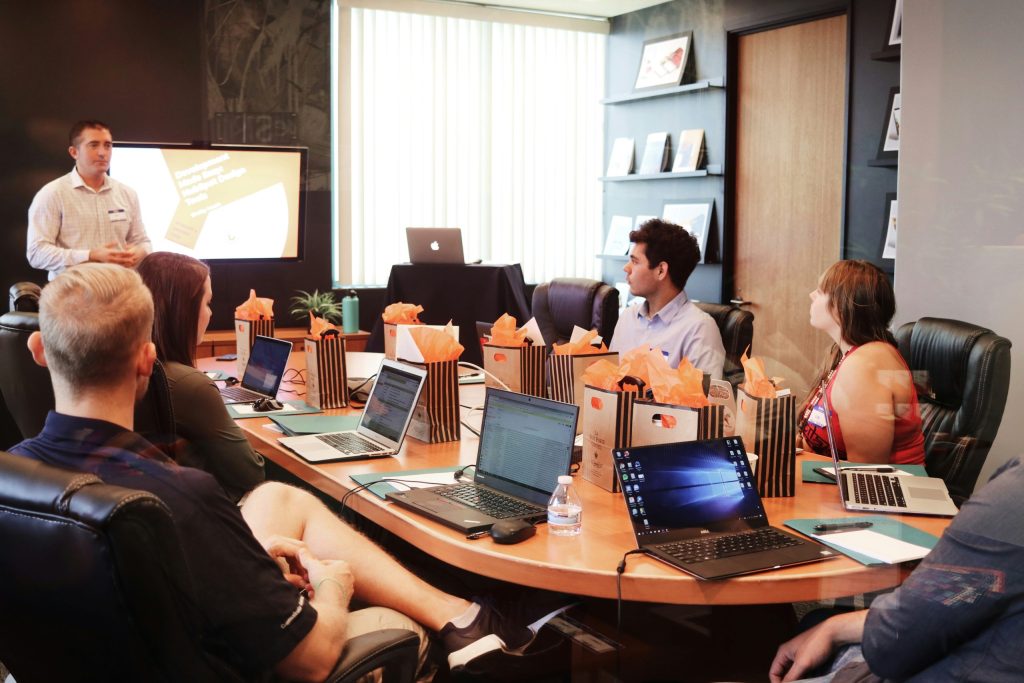
Meetings can be a double-edged sword—they’re essential for collaboration but often become a productivity killer. With the right best practices, you can transform tedious meetings into efficient, engaging sessions that drive results. Discover how to safeguard productivity while enhancing teamwork with these ten best practices!
1. Set Clear Objectives – Best For Focused Discussions
Every meeting should have a specific goal or outcome. Setting clear objectives helps participants understand the purpose of the meeting, minimizing ambiguity and keeping discussions on track.
Key Features:
- Establishes a purpose for each meeting
- Enables better preparation from participants
- Reduces time spent in irrelevant discussions
Pros:
- Increases meeting efficiency
- Enhances accountability
- Improves participant engagement
Cons:
- Requires advanced planning
- Can restrict free-flowing ideas
- May be difficult to enforce
2. Create an Agenda – Best For Structured Meetings
An agenda provides a roadmap for your meeting, paving the way for structured and productive conversations. Share it in advance to allow participants to come prepared.
Key Features:
- Lists all discussion points
- Allocates time for each topic
- Enhances time management skills
Pros:
- Keeps the meeting on track
- Ensures all relevant topics are covered
- Fosters transparency among participants
Cons:
- Requires diligence to maintain
- May limit spontaneous discussions
- Requires participation from everyone to fulfill
3. Limit Attendees – Best For Effective Communication
The fewer the attendees, the more focused the discussions. Limiting participants to those essential for the meeting can streamline communication and decision-making.
Key Features:
- Encourages open dialogue
- Reduces potential distractions
- Facilitates quicker decision-making
Pros:
- Enhances participation
- Leads to faster resolutions
- Promotes deeper engagement
Cons:
- Excludes valuable perspectives
- May lead to feelings of exclusion
- Requires clarity on who to invite
4. Designate a Facilitator – Best For Guiding Discussions
A designated facilitator helps maintain order, encourages participation, and ensures the meeting stays on track. Their role is crucial for fostering a productive atmosphere.
Key Features:
- Manages time effectively
- Ensures everyone has a voice
- Keeps discussions relevant and on-topic
Pros:
- Helps in conflict resolution
- Boosts overall meeting productivity
- Encourages collaboration
Cons:
- Can be seen as overly authoritative
- May require extra training
- Relies heavily on facilitator’s skills
5. Respect Time Constraints – Best For Efficiency
Time is a precious commodity. Starting and ending meetings on time shows respect for everyone’s schedules and keeps the momentum alive.
Key Features:
- Keeps participants focused and engaged
- Teaches time management skills
- Encourages punctuality
Pros:
- Improves time awareness
- Reduces meeting burnout
- Enhances accountability
Cons:
- May rush discussions
- Hard to adhere to in larger groups
- Requires strict moderation
6. Foster Participation – Best For Engagement
Encouraging all attendees to contribute can bring fresh ideas and promote a sense of ownership over meeting outcomes. Create a welcoming environment for input.
Key Features:
- Invites diverse perspectives
- Creates a sense of belonging
- Stimulates innovative thinking
Pros:
- Generates richer discussions
- Increases commitment to outcomes
- Strengthens team dynamics
Cons:
- Some participants may dominate
- Can lead to off-topic conversations
- May be challenging to manage
7. Summarize Key Takeaways – Best For Clarity
At the end of each meeting, summarizing key takeaways ensures everyone leaves with a shared understanding of next steps and decisions made.
Key Features:
- Reinforces clarity on decisions
- Facilitates action item tracking
- Encourages accountability
Pros:
- Creates a reference for future meetings
- Strengthens communication
- Helps in goal alignment
Cons:
- Can be time-consuming
- Requires diligence to follow up
- May be perceived as redundant
8. Use Technology Wisely – Best For Virtual Meetings
Utilizing the right technology can enhance engagement and organization, especially in virtual settings. Choose tools that promote collaboration and ease of use.
Key Features:
- Facilitates remote participation
- Offers real-time collaboration tools
- Simplifies documentation and follow-up
Pros:
- Expands participant reach
- Improves accessibility
- Fosters innovation in meeting formats
Cons:
- Requires reliable internet
- May face technical difficulties
- Can lead to distractions if not managed
9. Follow Up With Action Items – Best For Accountability
Post-meeting follow-ups are crucial for ensuring that tasks are completed and insights are acted upon. Clear action items help maintain momentum after discussions.
Key Features:
- Clarifies responsibilities
- Paves the way for progress tracking
- Prevents project stagnation
Pros:
- Enhances focus on outcomes
- Encourages proactive behavior
- Reminds team members of commitments
Cons:
- Requires thorough documentation
- Increased effort needed for follow-through
- Can overwhelm team members if not managed well
10. Gather Feedback – Best For Continuous Improvement
Regularly soliciting feedback on meetings can provide valuable insights that help refine processes and enhance overall productivity. Create a culture of openness.
Key Features:
- Identifies areas for improvement
- Encourages participation in future meetings
- Enhances team morale
Pros:
- Drives continuous improvement
- Shows team members their opinions matter
- Increases satisfaction with meetings
Cons:
- Can be met with resistance
- Requires trust among team members
- May lead to criticism if not handled well
How to Choose the Best Practices for Your Team
When selecting which best practices to implement, consider your team’s size, culture, and the specific challenges you face in meetings. Prioritize those that align most closely with your goals and that can feasibly be adopted by all team members. Remember, flexibility is key—adapt practices over time based on feedback and the evolving dynamics of your meetings.
#MeetingManagement #ProductivityHacks #EffectiveMeetings #TeamCollaboration #BusinessTips #WorkplaceWellness #LeadershipDevelopment